

Lots
Batch tracking with expiry, origin, and status — and how sellable stock is calculated.
For perishable products — say a live-fermented hot sauce or a refrigerated mayo — Inventory → Lots tracks each batch with its own expiry, origin, and status.
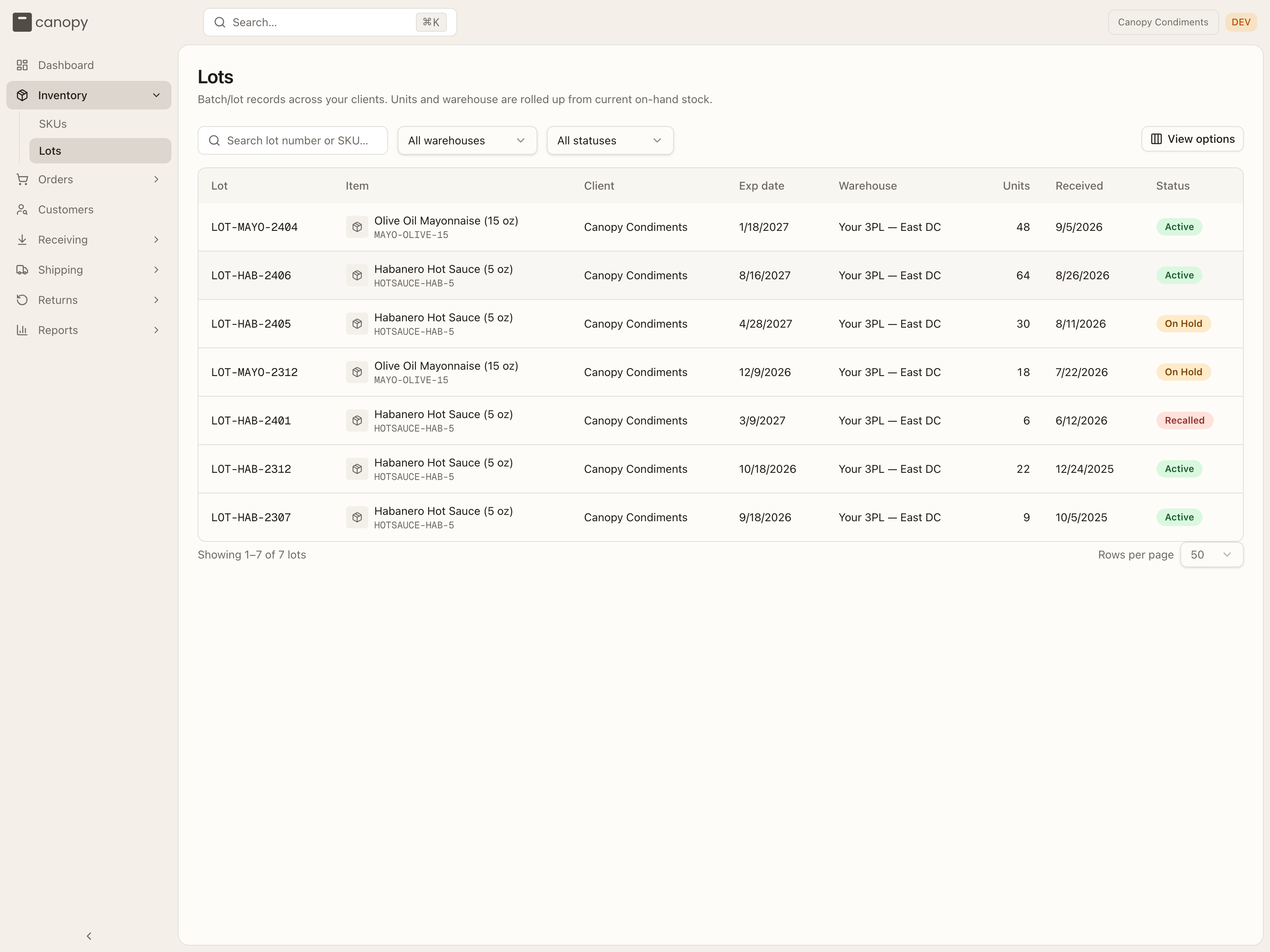
Each row shows the Lot number, the Item (name and SKU code), your Client name, the Exp date, the Warehouse holding it, its current on-hand Units, when it was Received, and its Status. Units and warehouse are rolled up from the stock on hand right now, so a lot that has sold through shows 0 units and no warehouse. Search by lot number or SKU, and narrow the list with the All warehouses and All statuses dropdowns.
| Status | Meaning |
|---|---|
| Active | In good standing — counts toward sellable stock (unless expired or short-dated). |
| On Hold | A soft, reversible hold — held back from picks pending a decision (e.g. a QA check). |
| Recalled | A hard, terminal withdrawal — blocked from picking and shipping. |
Click a lot to open it. The detail shows its status, on-hand units, SKU, warehouse, expiry, manufactured and received dates, vendor, and any notes.
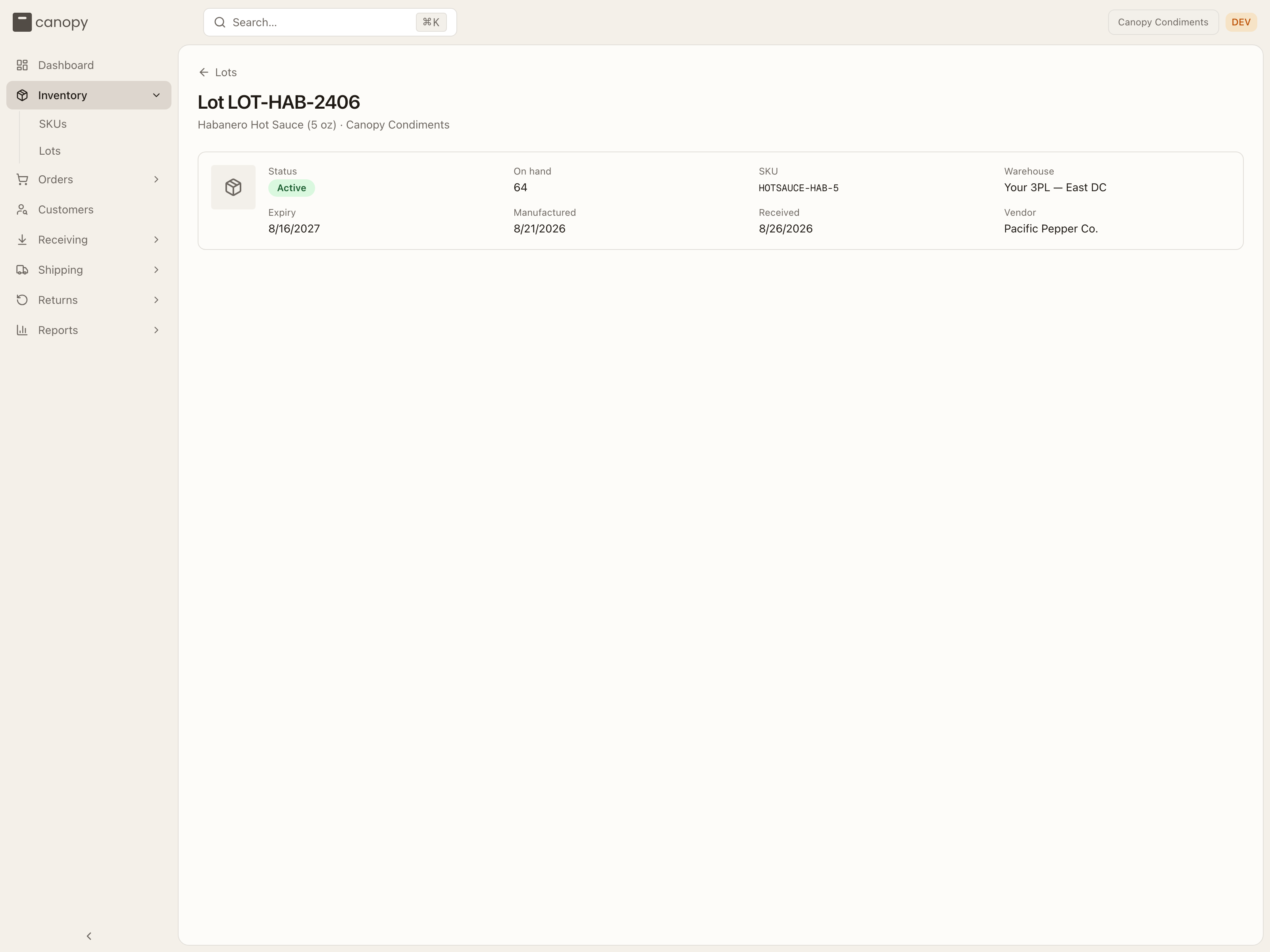
Lots are created and managed by your 3PL: placing a hold, releasing it, and recalling a lot are their actions, and the bin-by-bin breakdown of where the units sit is part of their floor plan, so neither appears in your view.
Only sellable stock counts toward a SKU's available quantity. Stock on expired, short-dated, on-hold, or recalled lots stays fully visible here, but the system won't let it be allocated or shipped. (The dashboard's inventory health days-of-cover is also sellable-aware; the days-of-stock pill on the SKU list is based on total on-hand.)