

Sales Channels
The connected stores feeding orders into the warehouse, and their sync status.
Orders → Sales Channels lists the stores feeding orders into the warehouse.
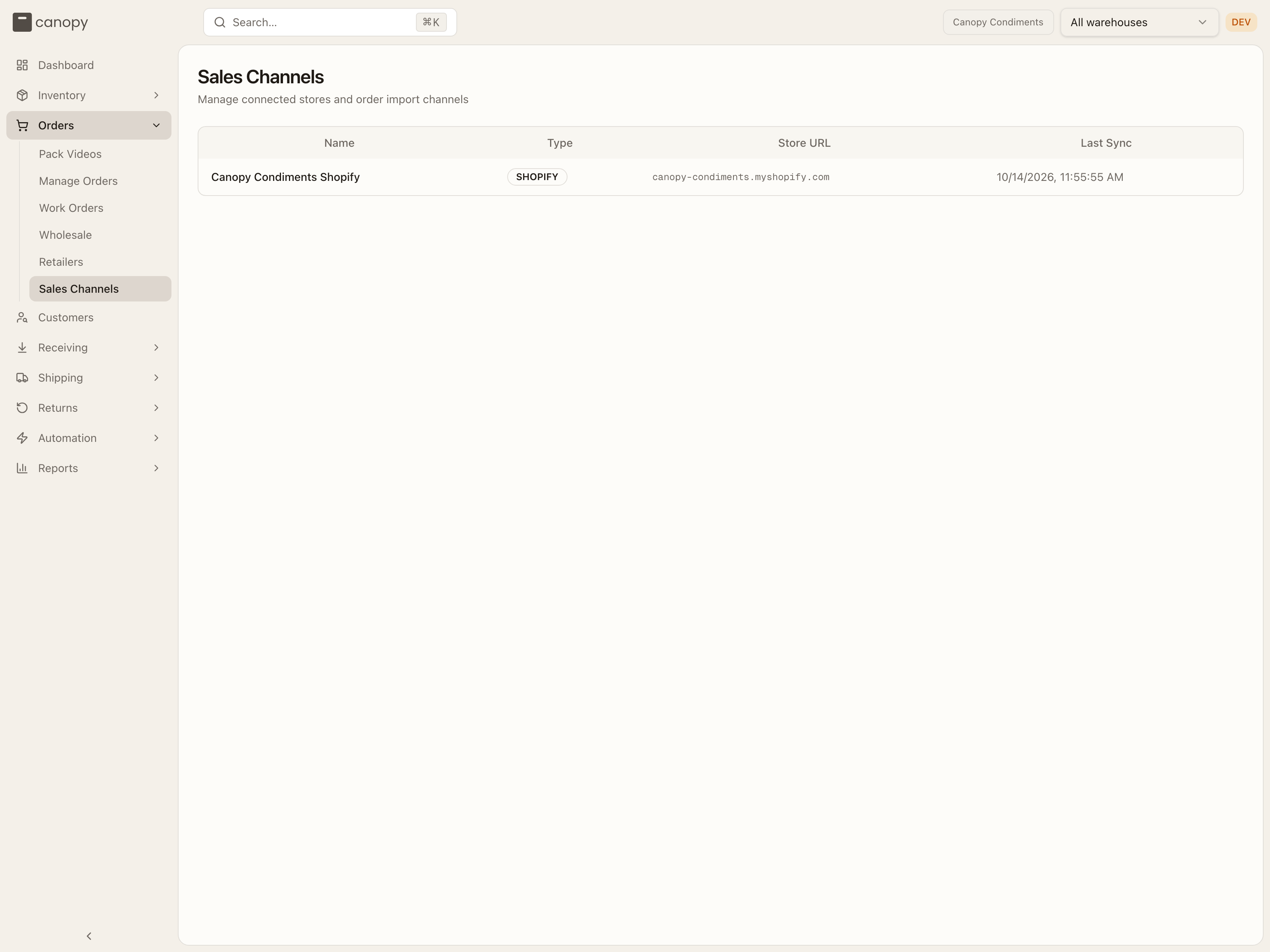
Each channel shows its type (Shopify, Amazon, and so on), store URL, and Last Sync time — or Never if it hasn't synced yet. Orders flow in automatically from connected channels; you'll see them appear in Manage Orders as they're imported.
A store connected through a marketplace integration can carry a badge next to its name: Syncing while its recent history is still being imported (orders start flowing once that finishes), or Connection error when the store's authorization has broken — your 3PL re-links it from their side.
If your 3PL ships from more than one warehouse, a store that gets one stock figure from Canopy for the whole store, rather than one per location, advertises every warehouse's stock — until your 3PL picks, in the channel's Advertise stock from setting, the warehouses that store's orders ship from. From then on it advertises only theirs, and the store's own open orders — wholesale included — count against that figure wherever they landed. For a kit SKU, that figure is capped further by what each of those warehouses can build on its own from the stock it holds — components split across warehouses don't pool into kits no single warehouse could actually build.
What you can change
On a client account, sales channels are read-only — connecting and configuring stores is handled with your 3PL during onboarding. This page is your reference for what's connected and whether it's syncing.